Article
How to create a WhatsApp bot: how it works, where it stops
How to create a WhatsApp bot and how it works: triggers, scripts, message templates, the 24-hour window, app vs. API, and where a bot stops.
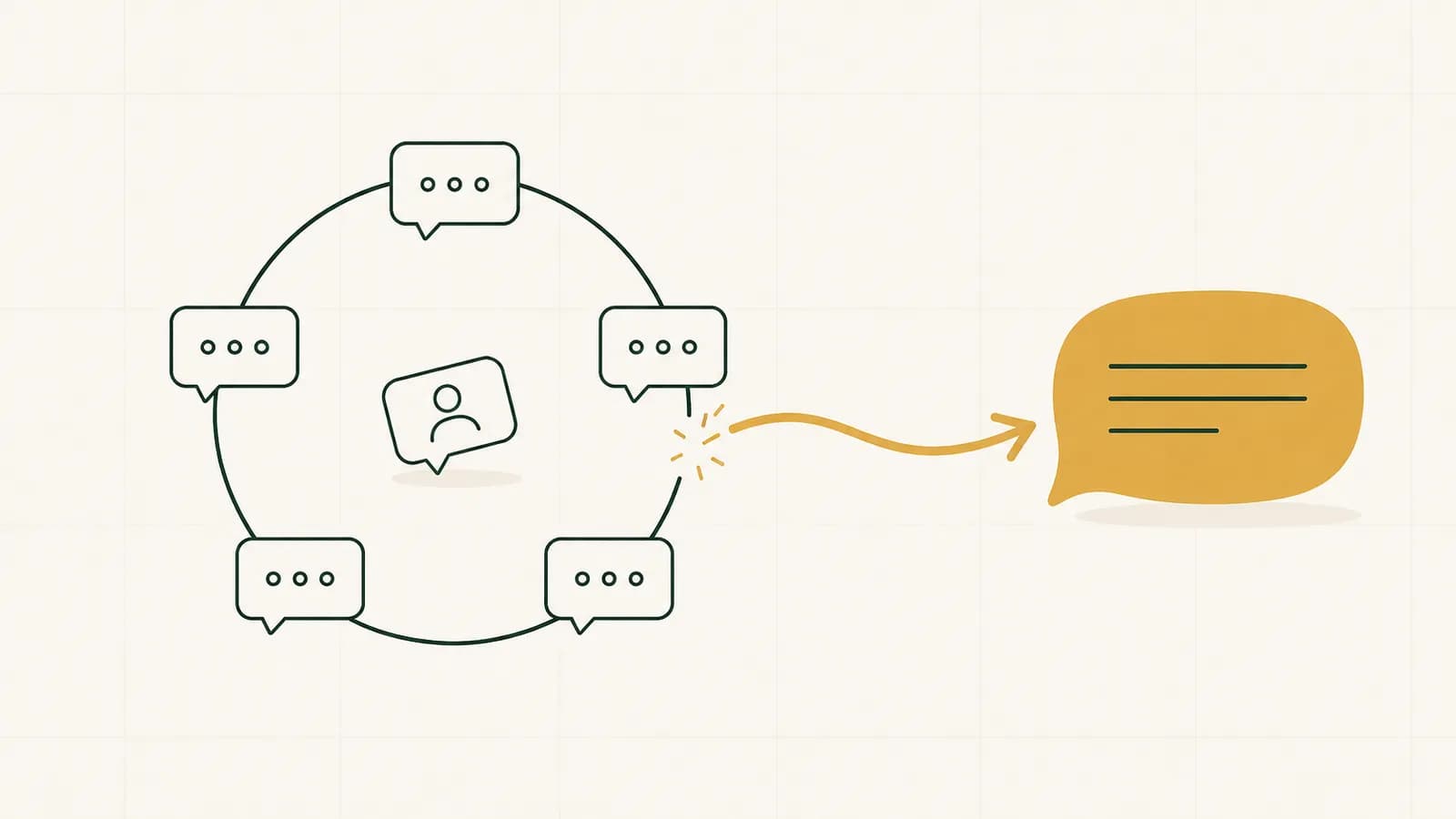
A WhatsApp bot is software that answers WhatsApp messages automatically, from a script, a menu or a set of rules. To create one, you need access to the official WhatsApp Business Platform, a registered phone number, flows that decide what the bot says, and approved message templates for anything sent outside the 24-hour window. It works well on predictable questions, and it stops where the conversation leaves the script.
Building a WhatsApp bot looks like a weekend project, and the first version often is. What takes longer is the part nobody shows in the demo: the rules Meta sets around every automated message, the difference between the free app and the platform, and the moment a customer asks something the bot was never told about. This guide walks through all three, in the order you meet them. Everything here reflects Meta's documentation as of October 4, 2026.
What is a WhatsApp bot?
A WhatsApp bot is an automated responder that lives inside a business's WhatsApp number. A customer writes, and instead of a person, the bot replies: with an answer, a menu of options, a request for details, or a handover to someone on the team.
There are two very different places a "bot" can run. The free WhatsApp Business app has a few built-in automations: a greeting message, an away message, and up to 50 saved quick replies. Useful, but that is the whole toolbox. WhatsApp's terms for the app do not allow applications that interact with it without WhatsApp's prior written consent (WhatsApp Business App terms), and WhatsApp's general terms list bulk messaging and auto-messaging among the things you may not do (WhatsApp Terms of Service). A real bot, with flows, logic and connections to your systems, runs on the official WhatsApp Business Platform, through Meta's Cloud API. How that connection works, and what Meta charges for it, is in our guide to the WhatsApp Business API.
How a WhatsApp bot works
Every WhatsApp bot, simple or sophisticated, is built from the same four parts.
1. Triggers. Something has to start the bot. Usually it is an incoming message: a keyword ("price", "hours"), a tap on a button the bot offered, or simply the first message from a new contact. It can also be an event in your own systems, like an order that just shipped, which sends the customer an update.
2. Scripts and rules. Once triggered, the bot decides what to say. A rule-based bot matches the message to a pattern and returns the answer tied to it. A menu bot narrows the conversation to options. An AI-powered bot interprets free text and answers from what it was given. In all three, someone decided in advance what the bot knows and what it is allowed to do.
3. The 24-hour customer service window. This is the rule that shapes everything else. When a customer messages you, a 24-hour window opens; inside it, the bot can reply with free-form messages, and every new message from the customer starts the window again. When the window closes, the bot can only send pre-approved template messages (Meta, sending messages).
4. Message templates. Templates are the only messages that can reach a customer outside the window. Each template is reviewed and categorized as marketing, utility or authentication, and Meta says a decision can take up to 24 hours (Meta, templates). The category matters: it decides how the message is billed, and a utility template that reads like a promotion is a template that gets recategorized or rejected.
Put together, a bot is a set of triggers, a set of answers, and a clock. Most of the design work is deciding what happens when the clock runs out.
How to create a WhatsApp bot, step by step
The order below is the order in which things go wrong if you skip them.
- Map what it should handle. Pull the last few hundred messages your business received and sort them. The questions that repeat with one correct answer (hours, location, order status, a booking slot) are bot material. The ones that start with "it depends" are not, and should be routed to a person from day one.
- Get access to the platform. You connect through Meta directly or through a provider. You will need a Meta business portfolio, a phone number that can receive an SMS or a voice call for verification, and a display name. A number that is already registered on WhatsApp cannot be registered again until it is deleted from WhatsApp or moved over in a supported migration (Meta, phone numbers).
- Build the flows. Write each trigger and its answer, and decide what the bot does when it does not understand. "Sorry, I didn't get that" three times in a row is not a flow; it is a dead end.
- Submit your templates. Anything you plan to send outside the 24-hour window, a reminder, an order update, a follow-up, needs an approved template in the right category.
- Build the way out. Meta's policy allows automation inside the 24-hour window only if customers also have prompt, clear and direct escalation paths, such as an in-chat transfer to a human agent, a phone number or an email address (WhatsApp Business Messaging Policy). Decide who receives the handover, and how fast.
- Launch small, then watch. New business portfolios start with a limit of 250 for business-initiated messaging, and the limit rises as you meet Meta's criteria; it is shared by all the numbers in your portfolio (Meta, messaging limits). Your number's quality rating, green, yellow or red, reflects how recipients reacted over the last seven days. Both are early warnings that something in your flows annoys people.
The types of WhatsApp bots
Built-in app automations. Greeting message, away message, quick replies. Not a bot in the full sense, but enough for a one-person business with a handful of questions.
Menu and keyword bots. Rule-based flows on the platform: the customer picks from options or types a keyword, and the bot follows the branch. Predictable, cheap to run, and easy to test, because every path is written down.
AI-powered bots. A language model reads free text and answers from the business's own information. More flexible, and also less predictable: what such a bot says has to be checked against what the business actually offers. Meta's terms bar providers whose product is a general-purpose AI assistant from the platform, but a business using AI to serve its own customers is not that case (Meta terms for the WhatsApp Business Platform). Our article on WhatsApp Business policy and AI agents covers where that line sits and how regulators are reacting.
AI agents. A step beyond answering: an agent works toward a goal, holds the context of the conversation across days, and acts, like booking a meeting or following up. What separates an agent from a chatbot is covered in our plain definition of an AI agent.
Consent comes first
Meta requires opt-in before you message a customer proactively, and local law sits on top of that. If you message customers in more than one country, check the rules where they are. For one example of how a national anti-spam law treats WhatsApp messages, see our article on Israel's spam law on WhatsApp.
Where a WhatsApp bot stops
A bot is only as good as the conversations someone predicted. It does well when the customer asks what you expected, in words close to the ones you wrote down. It stops when the customer mixes a price question with a doubt, mentions another offer, or asks for something nobody planned for. At that point a menu bot loops, a keyword bot misfires, and even an AI-powered bot can only answer, not decide what the conversation needs next.
That is not a flaw in the build; it is the boundary of the category. If most of your inquiries are questions with one answer, a well-built bot will serve you for years. If your sales happen in conversation, with objections and follow-up, the question is different, and our article on AI chatbots for business walks through it.
FAQ
What is a WhatsApp bot? A WhatsApp bot is software that replies to WhatsApp messages automatically, from a script, a menu or a set of rules, and on the official WhatsApp Business Platform it can also send approved template messages. The WhatsApp Business app itself only offers simple automations, like greeting and away messages.
How does a WhatsApp bot work? A customer's message triggers the bot. It matches the message to a rule or an intent, replies with free-form messages while the 24-hour customer service window is open, and uses pre-approved templates to reach the customer after the window closes. When the conversation needs a person, it hands over.
How do you create a WhatsApp bot? Map the questions it should handle, get access to the WhatsApp Business Platform through Meta or a provider, register a phone number, build the flows and their triggers, submit the message templates you need for review, and set up a clear handover to a person before you go live.
Can you build a WhatsApp bot on the free WhatsApp Business app? Only in a limited sense. The app offers a greeting message, an away message and quick replies. WhatsApp's terms for the app do not allow applications that interact with it without WhatsApp's prior written consent, so real bots run on the WhatsApp Business Platform.
Do you need approval for WhatsApp bot messages? Replies inside the 24-hour customer service window are free-form and need no approval. Messages outside it must use templates, and every template is reviewed and categorized as marketing, utility or authentication. Meta says a review decision can take up to 24 hours.
If your WhatsApp is filling up with sales inquiries a bot can't close.